
RSVP & headcount
Attending or not, how many, which guests by name, and whether they are coming to both the ceremony and the reception.
It still arrives as a beautiful printed card on heavy stock. It just happens to carry your RSVP list, your venue map, your running order and your photo gallery inside it. Guests tap; everything about the day appears on their phone.
Saturday, 12 SeptemberFour o'clock in the afternoon
The Old Mill, Hudson Valley
An NFC invitation is a printed card with a paper-thin chip laminated inside it. A guest holds their phone to the card and your event page opens — RSVP, directions, schedule, dress code, gift registry and a shared photo gallery, all in one place. The card looks and feels like ordinary fine stationery, every invitation also carries a QR code and short web address for guests who cannot tap, and you can change the details on the page at any point after the invitations have been posted.
The message thread, the three phone calls about parking, the aunt who lost the card — all of it becomes one page that answers itself.
Attending or not, how many, which guests by name, and whether they are coming to both the ceremony and the reception.
Menu choices and allergies collected per guest, exportable in the format your caterer actually wants.
One-tap directions to the ceremony and the reception, parking notes, shuttle times and nearby hotels.
Arrival, ceremony, drinks, dinner, speeches, first dance, carriages — so nobody misses the part they came for.
Written properly, with a colour palette and a few reference images, so "black tie optional" stops being a debate.
Links to your lists or a honeymoon fund, handled discreetly on its own screen rather than printed on the card.
Let guests add to the playlist before the day and hand your DJ a list that is already in their format.
On the day, the same link becomes an album every guest can upload to. You wake up to several hundred photos you were never going to see.
This only works if the technology is invisible. The NFC inlay is roughly the thickness of a sheet of paper and is laminated between layers during production, so it disappears inside heavy cotton stock, letterpress, foiling, edge painting or a vellum wrap. Your guests see stationery. They find out about the chip when they tap it.
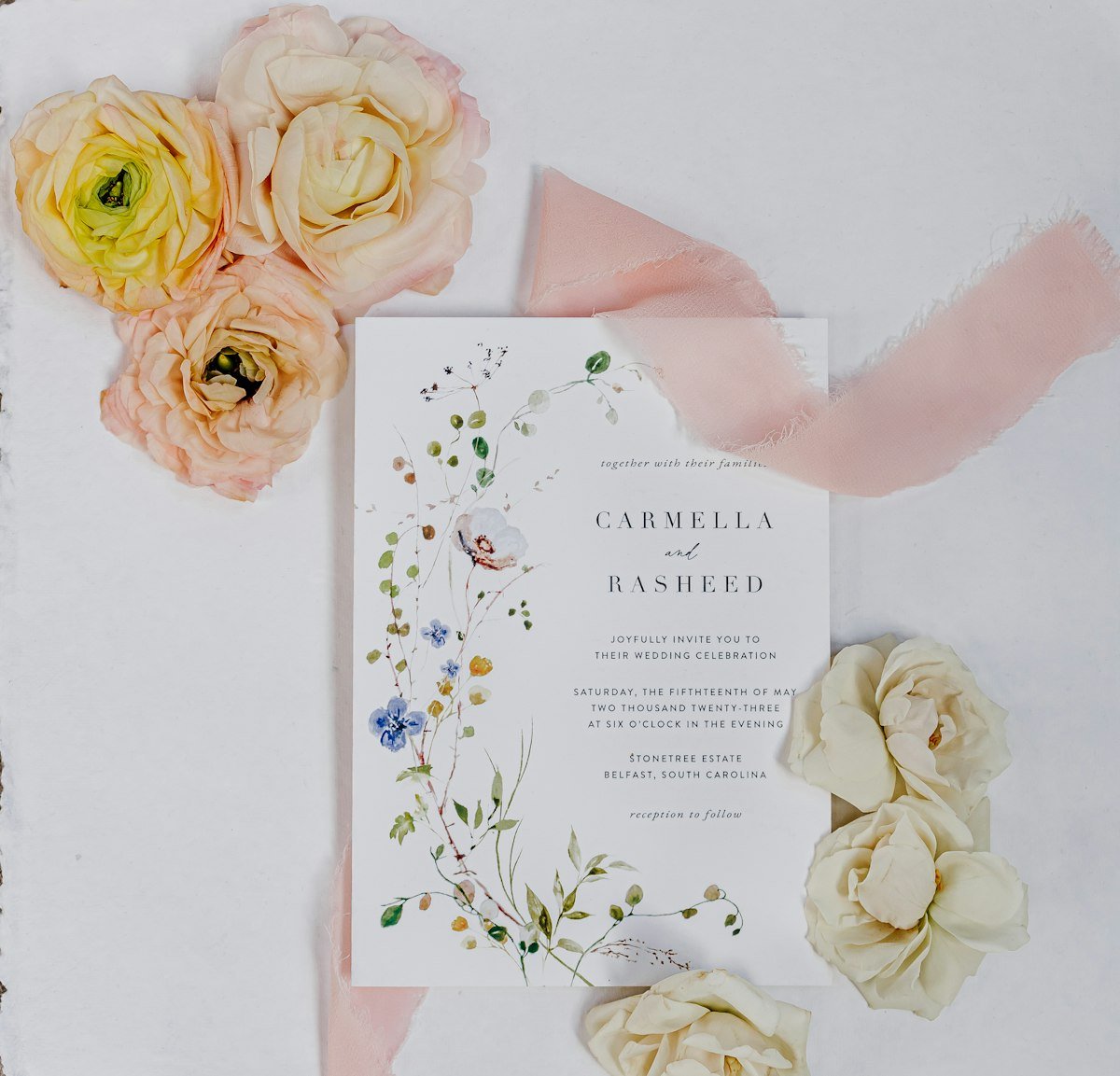
Weddings move. The ceremony shifts by half an hour, the shuttle timetable changes, the weather plan activates, a venue reshuffles rooms. On a printed card, every one of those is a group message and a dozen phone calls. On your event page it is one edit, and every guest sees the current version the next time they tap.
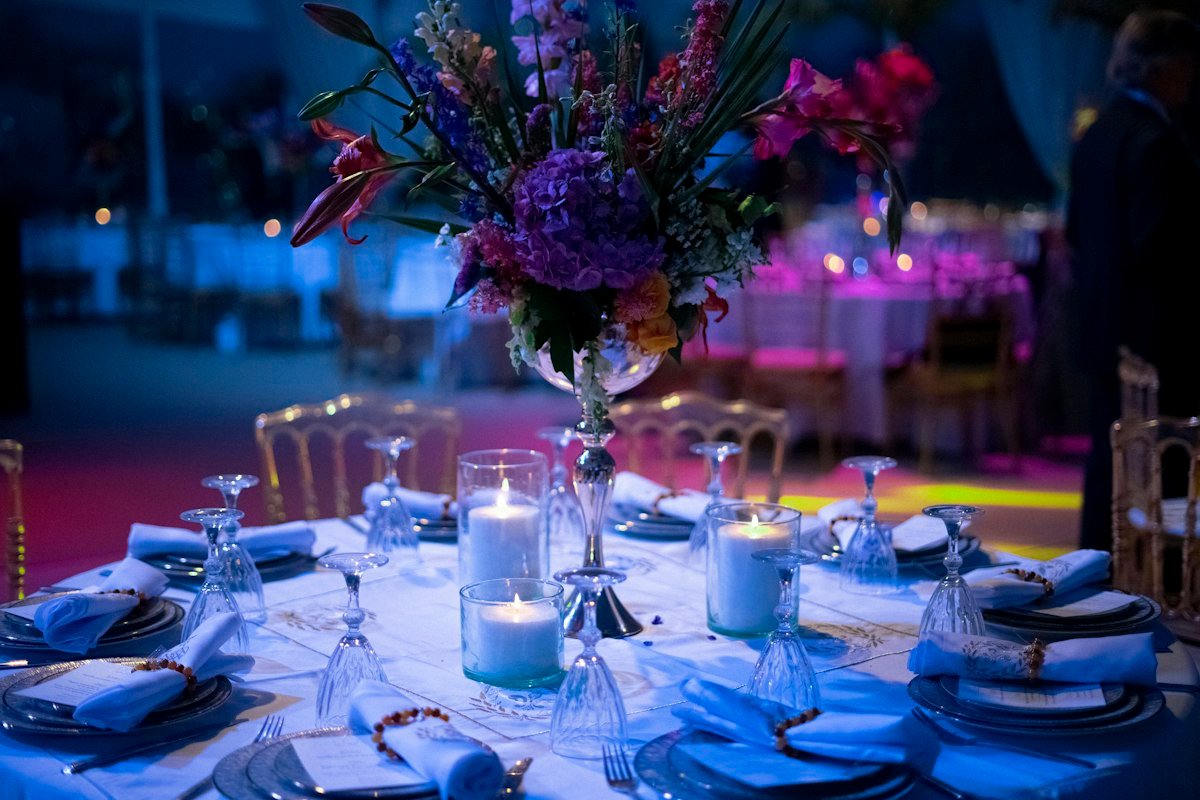
No reply cards, no stamps, no spreadsheet reconciliation at eleven at night. Replies arrive the moment a guest taps, in one live list you can filter, sort and export — with meal choices, dietary notes, plus-ones and the messages people leave attached to the right names.

Anything with a guest list, a venue and a schedule works the same way.
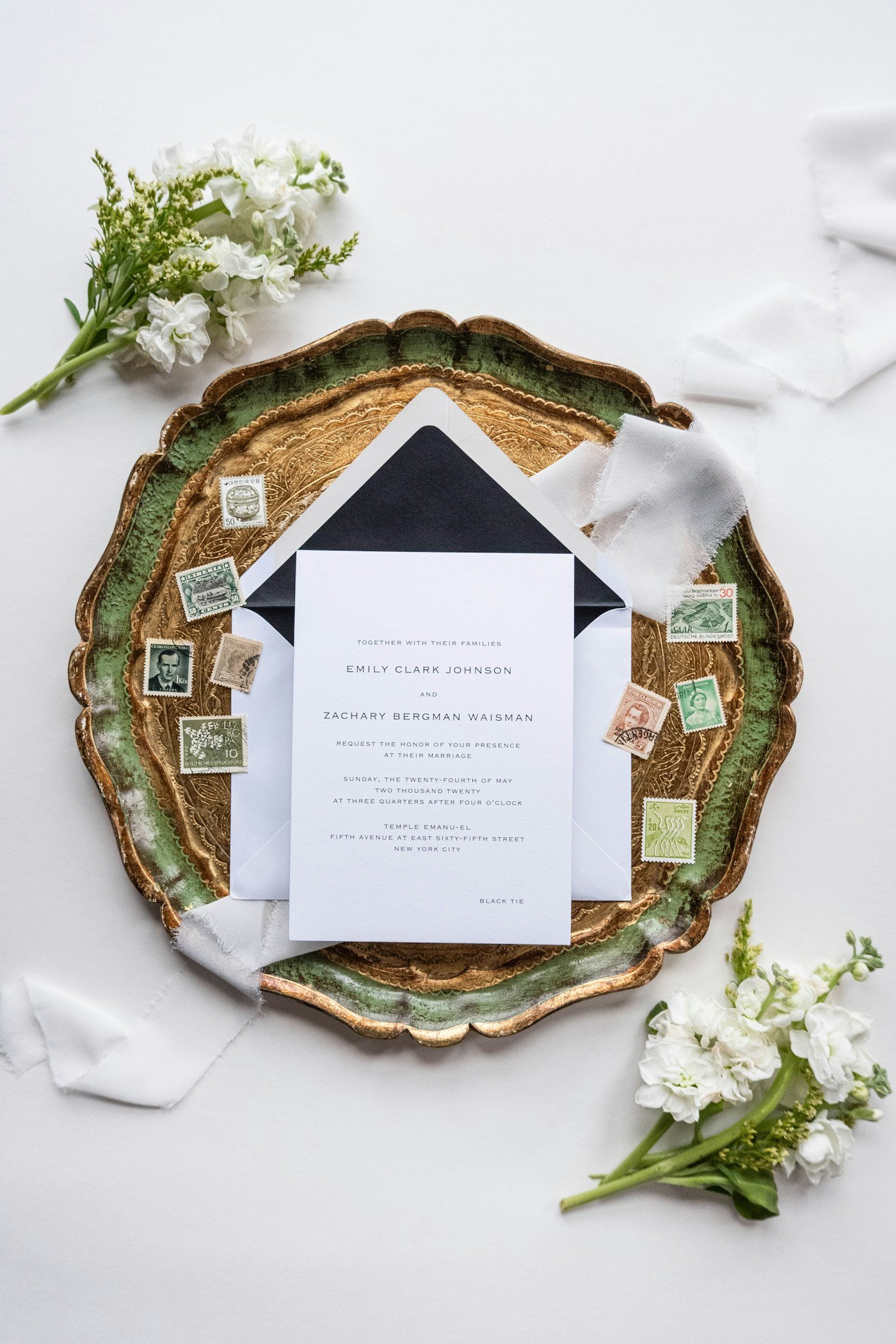
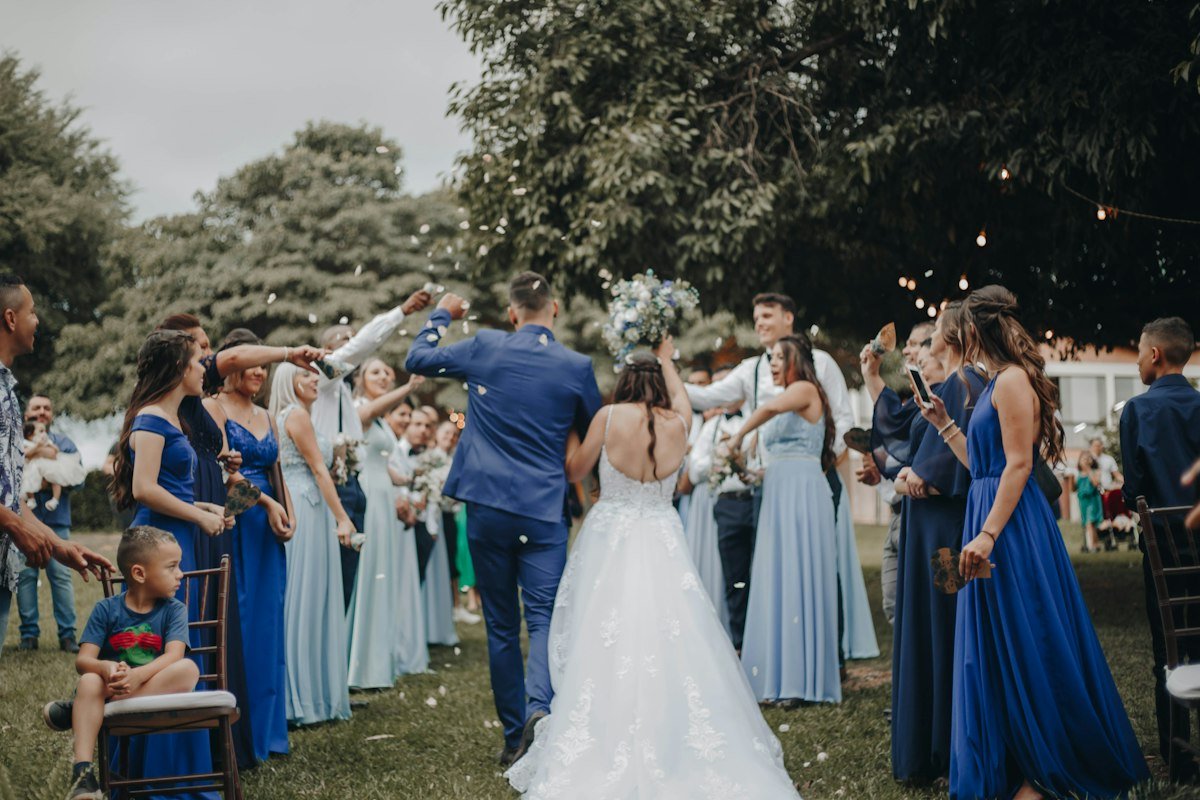
How long your suite takes depends on the design, the finishes and the quantity, so we will not print a number here and have you plan around it. Send us your date and we will give you a real schedule with the quote.
Date, venue, guest numbers, the look you have in mind and whether you already have a stationer. We will tell you honestly if a plain printed card serves you better.
Card artwork and the event page designed together so they feel like one object. You see both before anything is committed.
One real card, on the real stock, with the chip in it, posted to you. You tap it on your own phone before we print a hundred.
The full run is produced, each card is encoded and tested, and the suite is packed ready for you to address and post.
RSVPs arrive as guests reply, you edit details as plans firm up, and the page becomes the shared photo gallery on the day itself.
This only works if the technology is invisible. Everything below is a normal stationery choice — the inlay simply goes between the layers while the card is being made.
One card, one link, and a page that changes job three times between the day it arrives and the week after the wedding.
A proper printed invitation lands on the mat. They read it exactly as they would any other.
A line on the details card invites them to tap or scan. The event page opens in their browser.
Attending, headcount, meal choice, dietary notes and a message to you — in about a minute.
Date in the calendar, directions saved, dress code checked, hotel booked using your block code.
On the day the same link becomes the shared gallery, and everyone uploads what they shot.
The same page can serve every piece of stationery across the whole run-up, changing what it shows as the date approaches.
Sent early, with the chip already in it. The page opens as a holding card — the date, the city, "details to follow" — and fills in later.
The main card. The page becomes the full event: RSVP, schedule, directions, dress code and registry.
Where the tap instruction and the QR code live, so the main invitation stays uncluttered and formal.
Tap at the table for the menu, the seating plan, the running order or a note from you.
After the day the page becomes the gallery and, once they arrive, the professional photographs.
A good number of our invitation projects come through people who already own the client relationship. We are happy to work entirely behind the scenes — you keep the client, the design and the margin, and we supply the part you do not want to build.
You are handing us the names, addresses and dietary requirements of everybody you care about. It is reasonable to want to know exactly what happens to them.
noindex instruction, so it does not appear in search resultsIf anybody at your wedding notices the technology, we have done it badly. They should notice the invitation.
The chip is a convenience for you and your guests. It is not the design.Some will, and that is why the card never relies on tapping. A discreet QR code, a short typed address, and the essentials — date, time, venue — printed on the board itself mean no guest is ever locked out of the information that matters.
Not unless the design makes it gimmicky. We would always rather the card be beautiful and the tap be a quiet surprise than cover the front with tap symbols. One discreet line on the details card is enough.
Yes, and plenty of couples do. Replies from both routes merge into one list, so you still get a single headcount without reconciling two systems by hand.
That is the feature couples end up valuing most. A venue change, a new start time or a weather plan can be updated right up to the morning, and a pinned banner makes sure nobody misses it.
Especially the one about guests who are not comfortable with phones — which is a fair question and has a simple answer.
Tell us the date, the venue and roughly how many guests, and we will come back with options and a price.
Start planningYes. The NFC chip is a paper-thin inlay laminated inside the board, so the card can be heavy cotton stock, letterpress, foiled, edge-painted or vellum-wrapped exactly as your stationer designed it. Guests see an invitation; the technology is invisible.
Every invitation also carries a discreet QR code and a short written web address, so guests with any phone can reach the same page. The card still works as a traditional printed invitation on its own.
Yes, and this is why couples choose it. A venue change, a new start time, a shuttle timetable or a weather plan can be updated on the page at any point and every guest sees the current version the next time they tap.
RSVP with headcount and meal choice, the running order, venue maps and directions, parking and travel notes, hotel blocks, dress code, gift registry links, a music request box, a message to the couple, live updates and a shared photo gallery for the day itself.
You get a live list you can filter and export — who has replied, headcount, meal preferences, dietary notes and messages — so you can give your caterer a reliable number instead of chasing replies.
Yes. The same format works for engagements, milestone birthdays, anniversaries, religious ceremonies, corporate galas, product launches, conferences and private dinners.

One short call is usually enough to scope it. We will come back with a plan, a sample and a fixed price — normally within one business day.