
Sales teams
Every prospect leaves the stand with your details saved and your calendar one tap away, and you leave with theirs.
A paper card is a ten-second transaction that usually ends in a bin. A Capstone Tek e-card ends in their address book. Tap their phone, your profile opens, they press save — and your details stay correct forever, because you can change them any time.
An NFC digital business card is a physical card with a chip inside that opens your online profile on someone else's phone. They hold their phone to your card, a notification appears, and your profile loads in their browser — no app, no account, no typing. One button saves your details straight into their contacts. Because the card stores a link rather than your data, changing your job title or phone number updates every card you have ever handed out.
Paper is not useless. It is just finished the moment it leaves your hand — and most of them never make it into a phone.
| Paper business card | Capstone Tek e-card | |
|---|---|---|
| Gets into their phone | Only if they type it in later | One tap, one button |
| Stays accurate after a job change | No — reprint everything | Yes — edit once, everywhere |
| Carries more than ten lines | No | Links, video, calendar, deck, portfolio |
| Tells you it was used | Never | Taps, saves and lead-form submissions |
| Captures their details too | No | Optional two-way exchange form |
| Runs out | Yes — reorder every few months | No — one card, used thousands of times |
| Works if their phone has no NFC | Yes | Yes — printed QR code and short URL |
The temptation is to put everything on it. The cards that work put one clear action at the top — call me, book a call, open the quote, see the portfolio — and keep the rest below it. We build your profile around the action that actually matters in your job.

One person with an e-card is convenient. Forty people with e-cards is a brand problem unless somebody owns the template. We lock the layout, colours, logo and footer so every profile in your company looks like it came from the same place, and provision the whole team from a spreadsheet.

The card is the handshake. We produce in the finishes people notice — brushed stainless with a laser-etched mark, soft-touch black PVC with spot-UV, bamboo, and recycled PET for teams with a sustainability commitment to meet. Phone stickers and lanyard keyrings cover the moments you are not carrying a card.
Every prospect leaves the stand with your details saved and your calendar one tap away, and you leave with theirs.
Listings, virtual tours and a booking link travel with the card at every open house.
One card, one profile, always current — even when your title changes three times in a year.
Portfolio, showreel and rate card behind the tap instead of a URL nobody types.
Live roles on the profile, updated weekly, with an application form built in.
A lanyard tag that hands guests the menu, the booking page or the loyalty signup.
Near the top of the handset. No pairing, no Bluetooth, no asking them to open anything.
A banner shows your name and the link. One tap opens your profile in their normal browser.
Your name, number, email, company, role and photo go straight into their contacts, correctly spelled.
If they complete the exchange form, their details reach your inbox or CRM before you have finished shaking hands.
The most common mistake is putting everything on it. A profile with eighteen links has no primary action and converts worse than one with three. Build it in layers.
A real photograph of your face — not a logo. Name, role, company, and one line on what you actually do if the title does not make it obvious.
Pick a single primary action and give it the biggest button: book a call, see the listings, open the portfolio, save my contact. One.
Phone, email, website, and the two or three social profiles that genuinely relate to your work. Then stop.
A payment or deposit link, a price list, a capability deck, a location, a WhatsApp shortcut — whatever your job actually needs.
A short exchange form so their details reach you too. Three fields maximum, one of which should be "what were we talking about?".
Show your profile to somebody for five seconds, take it away, and ask them two questions: what do I do, and what should you do next? If they cannot answer both, remove links until they can. We run this test with every client before we sign off a profile.
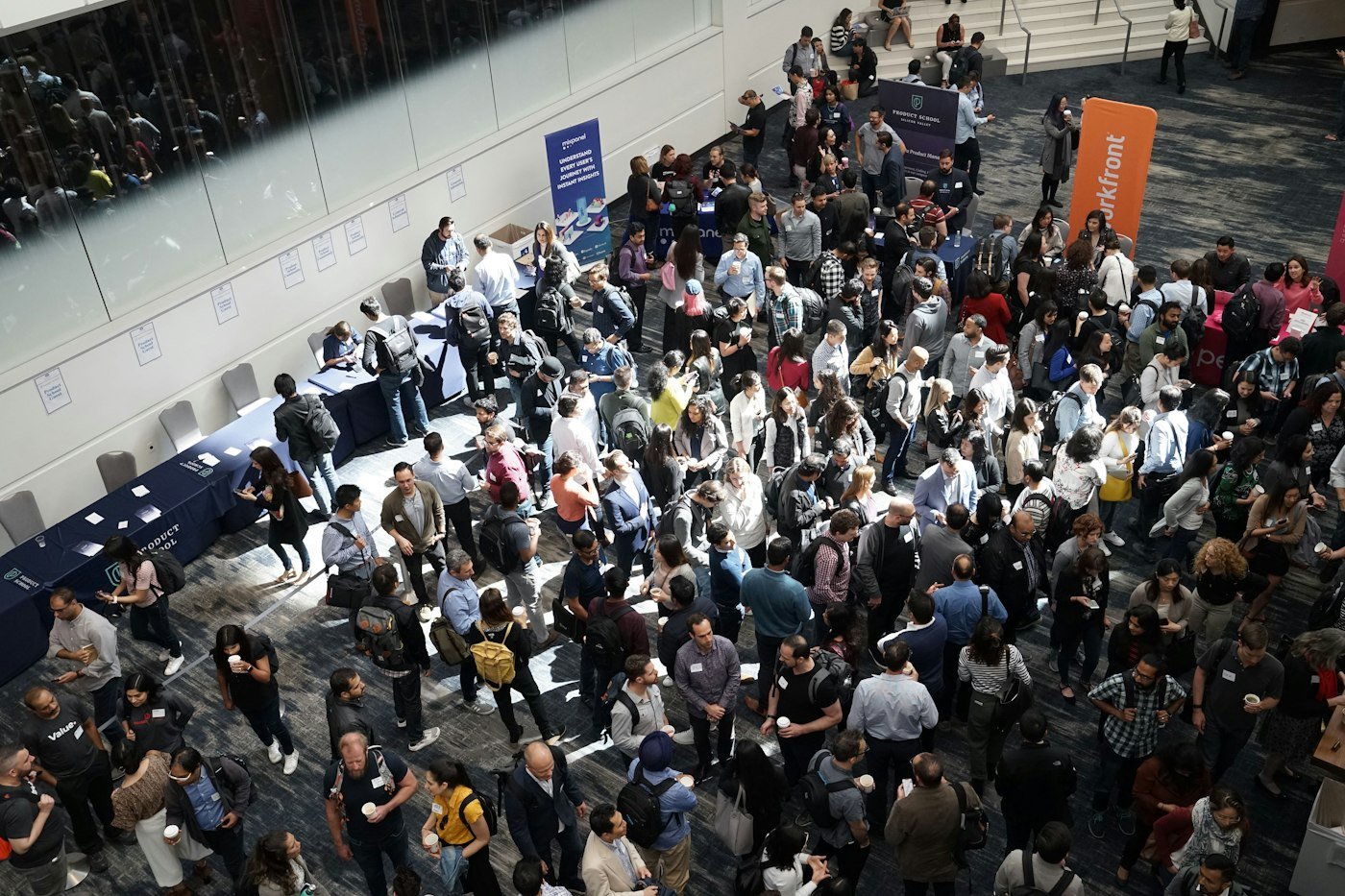
Three days, four hundred conversations, and a stack of paper cards you cannot attribute to anything. The card only solves half of that — the other half is how you use it.
A departing employee walks out with twenty of your cards in circulation, each one pointing at a profile carrying your brand. On paper that is unfixable. Here it is a switch.
This is usually framed as an environmental point, and it is one — but the version that actually lands in a budget meeting is simpler. A paper card is a consumable. You buy them, you hand them out, most are discarded, and in three months you buy more. A reusable card is bought once and used for years.
The honest caveat: a PVC or metal card has a higher footprint than a single paper card. The comparison only works because one of them replaces hundreds of the other. If you want the cleanest version, our bamboo and recycled-PET cards are there for exactly that reason — and we will happily tell you if your volumes are too low for the switch to make any real difference.
"Reprint the cards" is a line item that quietly repeats forever. This one removes it.
Digital-only profiles can be live very quickly; printed cards follow once you have approved the proof. Tell us your deadline and we will tell you honestly whether it is achievable.
Names, roles, numbers, emails and headshots in a spreadsheet. We do the rest.
One designed profile and one card proof, in your brand. Change it until it is right.
Every profile built from the approved template and tested on both iOS and Android.
Printed, encoded, tested and labelled per person, ready to hand out.
We show the team the gesture, the fallback and how to edit their own details.
Conference next month, new starters in three weeks, a rebrand going live — tell us the date and the quantity and we will confirm in writing whether we can hit it before you commit to anything.
The practical questions — compatibility, materials, teams and privacy.
We will send a sample card in your chosen material with a demo profile on it, so you can try it on your own phone.
Request a sampleNo. They only need a phone that can read NFC — which covers iPhone XS and newer on iOS 14+, and essentially every mid-range or better Android phone from the last several years. Your card does the work; their phone just opens a web page.
Every card we print carries a QR code on the reverse and a short personal URL. If NFC is off, unavailable or the phone is in a case that blocks it, they scan or type instead and land on exactly the same profile.
Yes — that is the main advantage. The card stores a link, not your data. Change your job title, phone number or profile photo in the dashboard and every card already in circulation shows the new version immediately. No reprinting.
Yes. Teams get a shared template so every profile matches the brand, bulk provisioning from a spreadsheet, and central control — including switching off a profile the day somebody leaves.
We produce PVC, brushed metal, bamboo and recycled-PET cards, plus NFC stickers for the back of a phone and keyrings for staff lanyards. Finishes include matte, gloss, soft-touch and spot UV.
Your profile page collects nothing from a visitor unless they choose to submit the exchange form. When they do, you hold that data as a first-party record with a clear consent line, rather than relying on a third-party network.

One short call is usually enough to scope it. We will come back with a plan, a sample and a fixed price — normally within one business day.